Stream control
Coordinate live audio, effects, overlays, and match moments.
Cricket director console
GV Cricket gives stream operators a director-style console for audio, walkie, sound effects, and live match tools connected to the scoring flow.
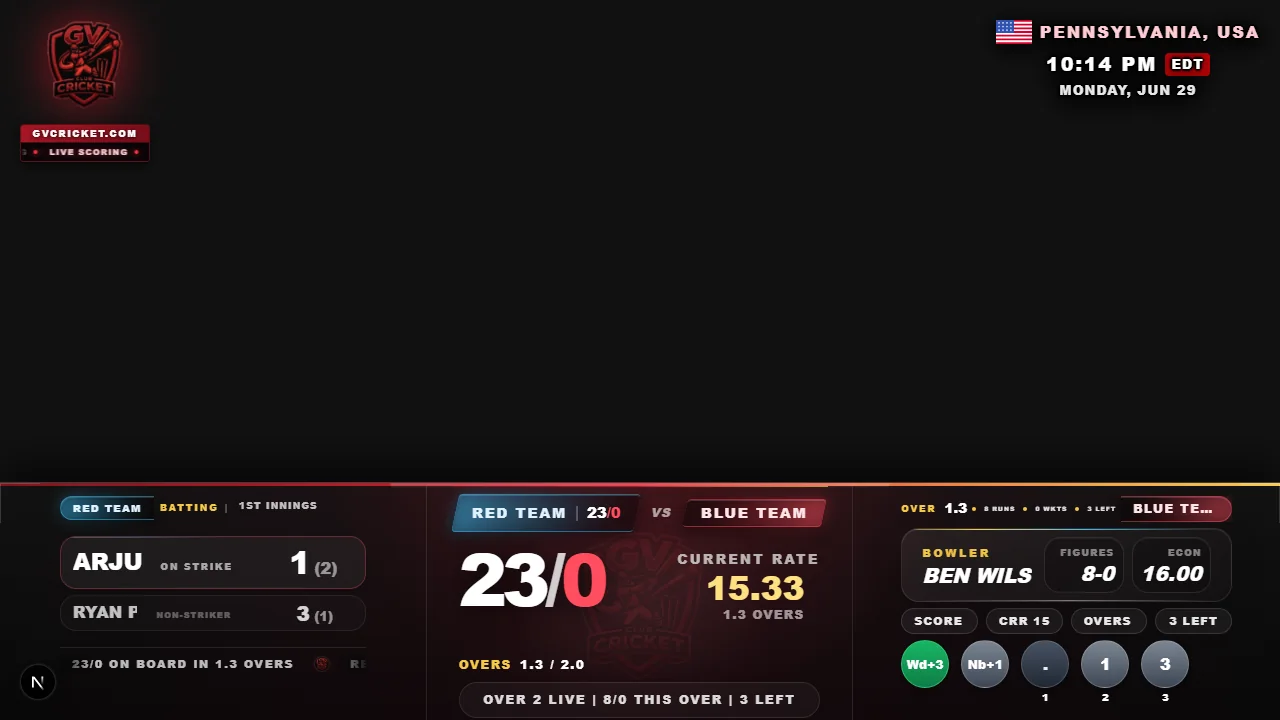
Coordinate live audio, effects, overlays, and match moments.
The director workflow follows the same live cricket match.
Keep production controls clean during live cricket.
Fast setup
Create a match, score live, and share the scoreboard or overlay link with players, viewers, and stream tools.
Create matchCreate and score the match in GV Cricket.
Use the director console for audio and match tools.
Run effects, walkie, and stream support from one place.
Keep the live match and final result connected.
Director console features
Proof, not promises
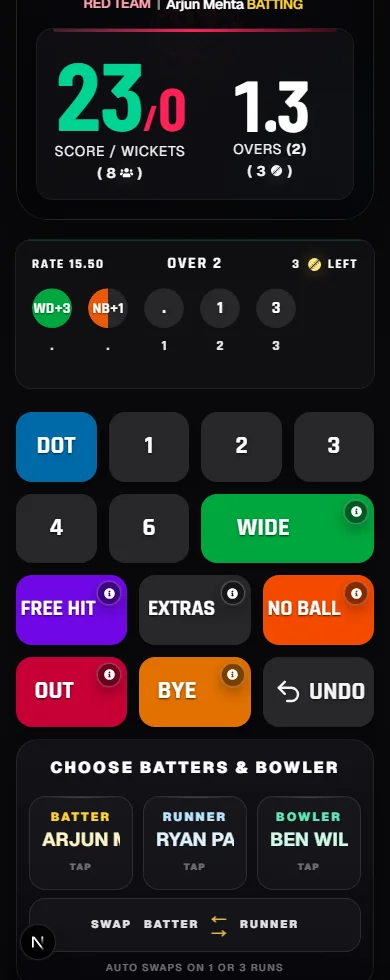
The scorer can update runs, wickets, extras, and match state from a phone-first umpire screen.
Live scores can be shown on stream layouts for browser-source broadcast workflows.
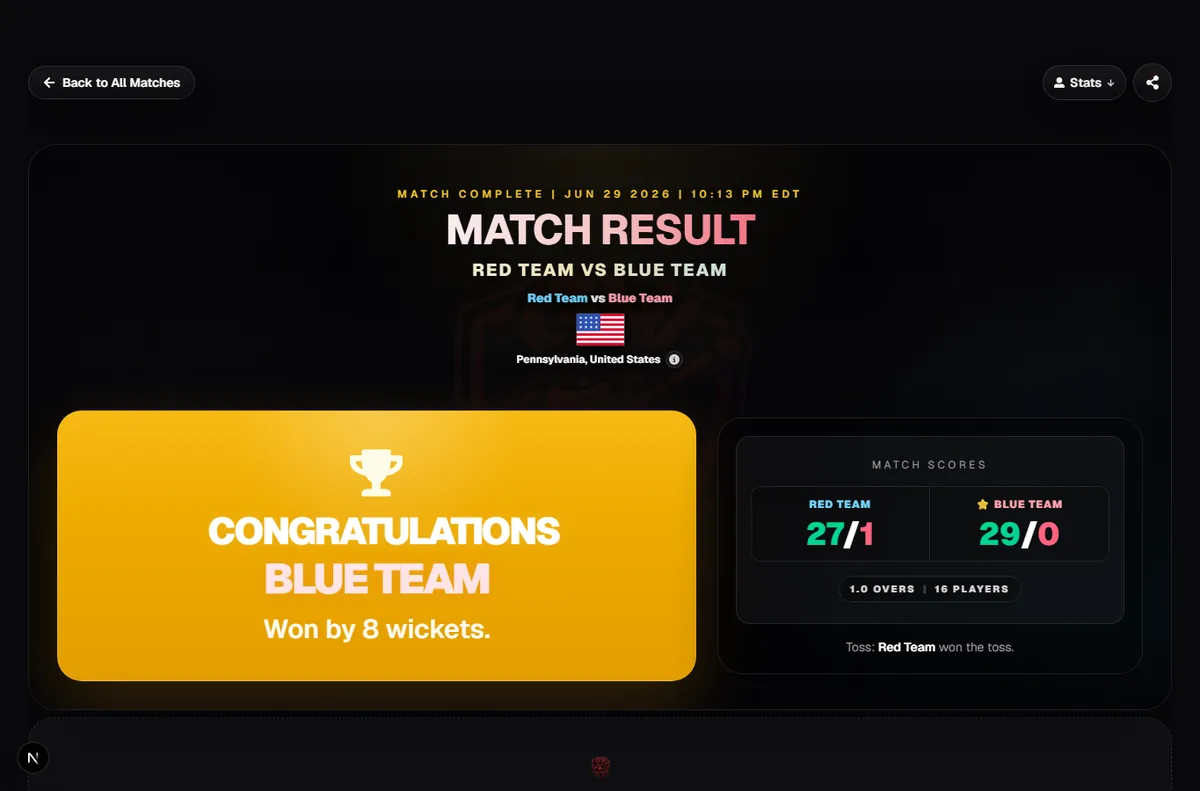
Finished matches and live score links can be shared without app installs or ad-heavy screens.
It is a GV Cricket view for controlling live stream tools around a match.
Yes. It is designed to support live scoring, overlays, and stream workflows.
Yes. One operator can control several match production tools from one console.