How to live stream a cricket scoreboard.
Create the match, copy its overlay URL, and add it to your streaming app.
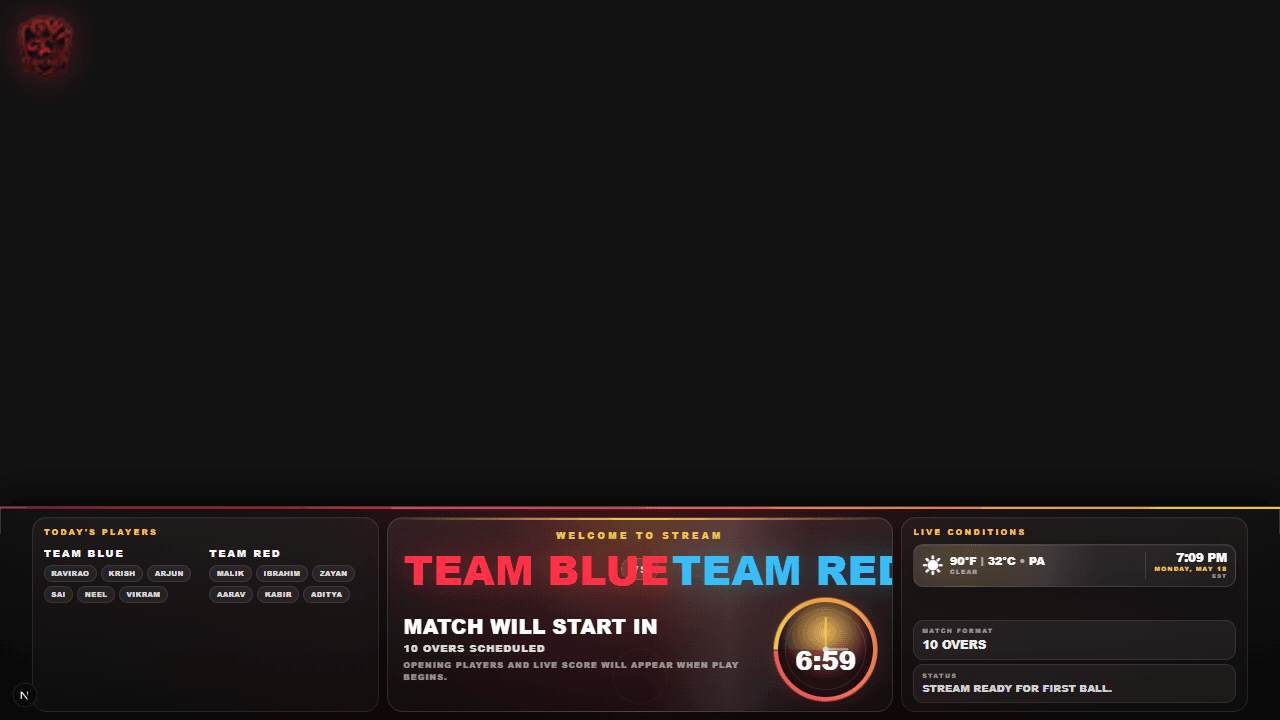
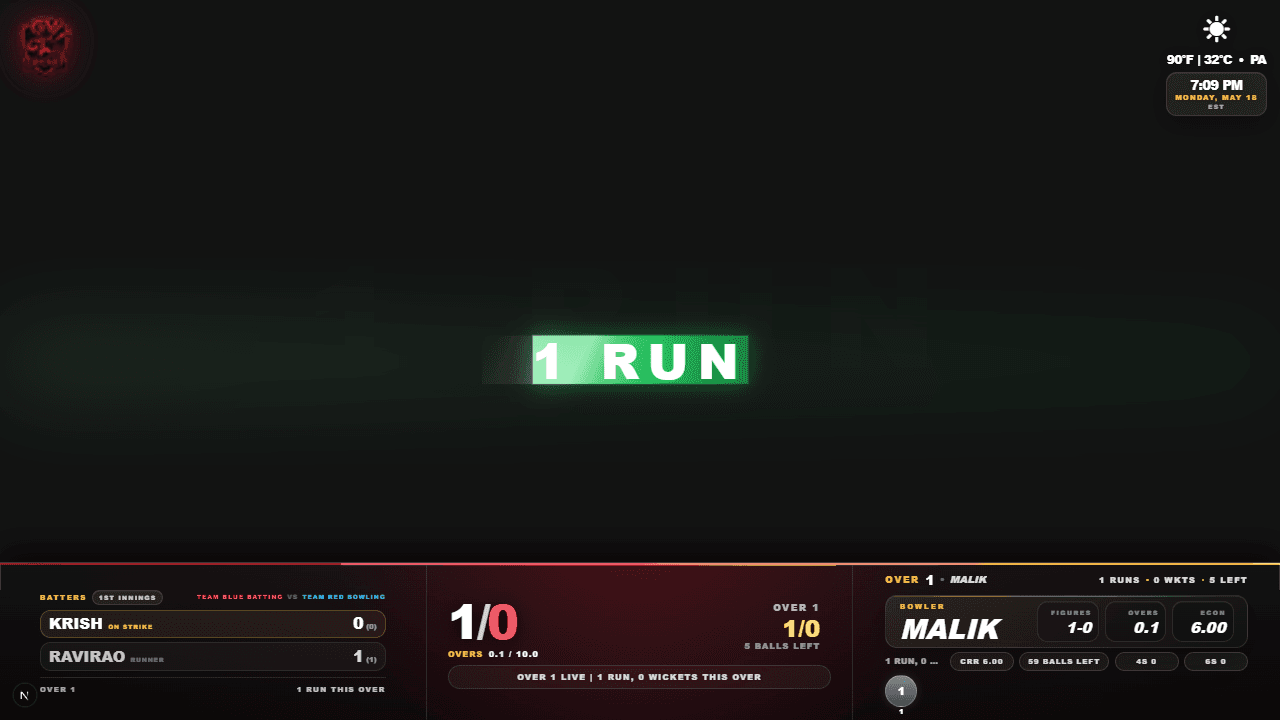



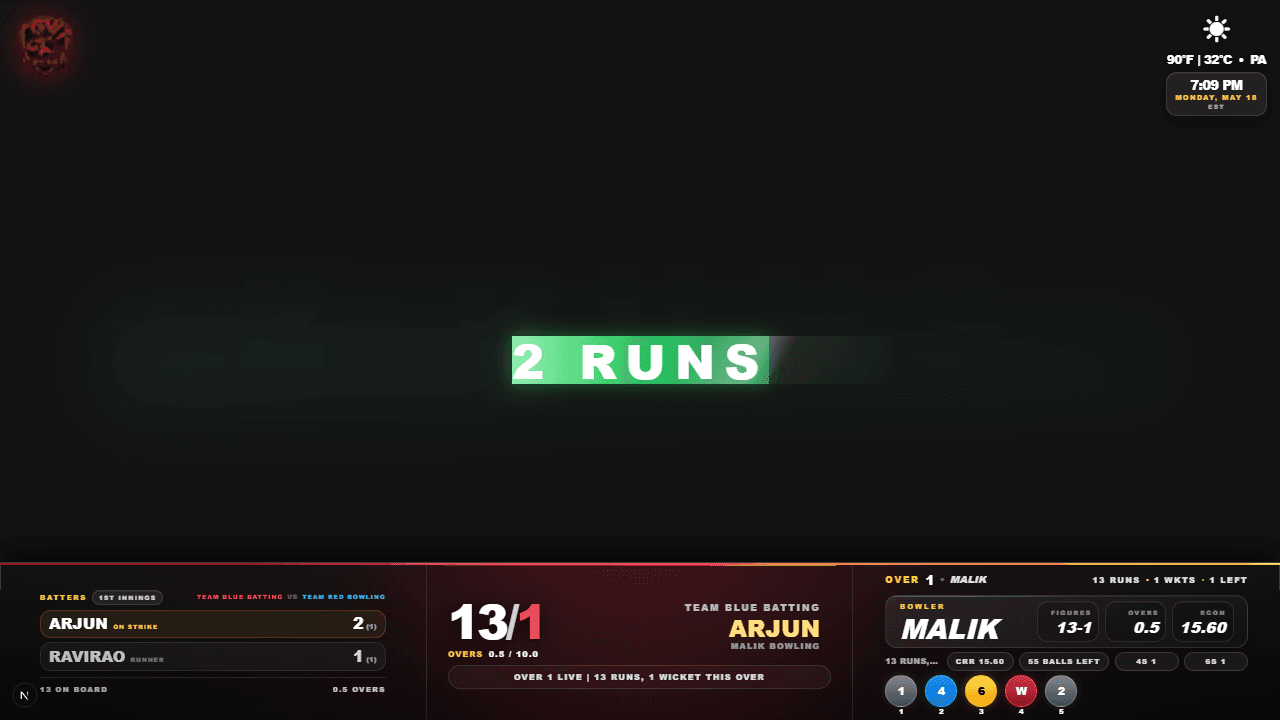
Five simple steps
Add the scoreboard to your stream
- 1
Create the match
Add the teams and overs, then open Umpire Mode.
- 2
Copy overlay URL
Open Live Streaming Overlay and copy its browser-source URL.
- 3
Add a web source
Paste the URL into OBS, Streamlabs, PRISM Live, or another web source.
- 4
Prepare the phone
Turn off rotation lock, use landscape, and turn up the volume.
- 5
Score the match
Score in Umpire Mode and the overlay updates automatically.
Before you go live
Turn off orientation lock, rotate your phone to landscape, and open the overlay full screen. Turn up the phone volume to hear commentary and match sounds.
Demo
Watch the scoreboard update live
See scoring in Umpire Mode update the stream overlay automatically.
Streamlabs
Add the overlay as a browser source or mobile web overlay, then lock it over the camera feed.
Independent compatibility recommendation only. No affiliation, endorsement, sponsorship, or partnership.
 Simple to use
PRISM Live
Add a web source, paste the same link, and place it over your camera feed.
Independent compatibility recommendation only. No affiliation, endorsement, sponsorship, or partnership.
OBS Studio
Add a Browser Source, paste the overlay link, then fit it to your canvas.
Independent compatibility recommendation only. No affiliation, endorsement, sponsorship, or partnership.
Rights and trademarks
OBS Studio, Streamlabs, PRISM Live, YouTube, and other company or product names are mentioned only to describe compatible streaming workflows. GV Cricket is not endorsed by or affiliated with those companies. Before going live, make sure you have permission to stream the match, images, logos, music, voices, and venue content, and follow the rules of your streaming platform, league, venue, and local laws.
Cricket streaming settings
Best OBS, Streamlabs, and PRISM settings
Ranked from best quality to safest low-internet setup for cricket streams with a live scoreboard overlay.
Rate control
CBR for every preset
Keyframe interval
2 seconds
Canvas advice
Match output size to your stream
| Rank | Preset | Output | FPS | Video bitrate | Upload needed | Encoder | Audio | Best for cricket |
|---|---|---|---|---|---|---|---|---|
1 | Best cricket stream | 1920 x 1080 | 60fps | 6,000-8,000 Kbps | 12+ Mbps upload | Hardware H.264 CBR - 2 sec | 48 kHz, 160 Kbps | Fast bowling, night games, boundary shots, and clear score overlay text. |
2 | Most stable | 1920 x 1080 | 30fps | 4,500-6,000 Kbps | 8+ Mbps upload | Hardware H.264 CBR - 2 sec | 48 kHz, 128-160 Kbps | Default choice for local cricket when the internet speed changes during play. |
3 | Mobile data safe | 1280 x 720 | 60fps | 3,500-5,000 Kbps | 6+ Mbps upload | Hardware H.264 CBR - 2 sec | 48 kHz, 128 Kbps | Smooth action on phones while keeping the stream lighter than 1080p. |
4 | Low internet | 1280 x 720 | 30fps | 2,500-3,500 Kbps | 4+ Mbps upload | Hardware H.264 CBR - 2 sec | 44.1/48 kHz, 96-128 Kbps | Use when the stream drops frames or the mobile signal is weak. |
Free cricket overlay
Score once. Stream everywhere.
A free live scoreboard overlay for OBS, Streamlabs, PRISM Live, mobile streams, and venue screens.
Start a match nowHow do I live stream a cricket match with a scoreboard?
Create the match in GV Cricket, copy its Live Streaming Overlay link, add that URL as a browser or web source in your streaming app, and score from Umpire Mode. The scoreboard follows the live match automatically.
Is the cricket scoreboard overlay free?
Yes. You can create a match, score it, share the live score, and use its streaming overlay without buying a scoreboard template.
Can I add the cricket scoreboard to OBS, Streamlabs, or PRISM Live?
Yes. Add the unique overlay URL as a Browser Source in OBS or Streamlabs, or as a web source in PRISM Live.
Does the cricket overlay update automatically?
Yes. Runs, wickets, overs, batters, bowlers, targets, current-over details, and match moments update from the umpire's scoring controls.
Can I live stream local cricket using only phones?
Yes. Score on one phone and open the overlay as a web layer in a supported mobile streaming app on another device. A desktop is optional.
What internet speed should I use for a cricket live stream?
For a stable 1080p 30 fps stream, start with 8 Mbps or more upload speed. If mobile data is weak, use 720p 30 fps at approximately 2,500 to 3,500 Kbps.