Ground updates
Make quick match calls and announcements from the scoring flow.
Cricket loudspeaker app
GV Cricket helps scorers and organizers make quick ground updates, score calls, and match announcements during local cricket.
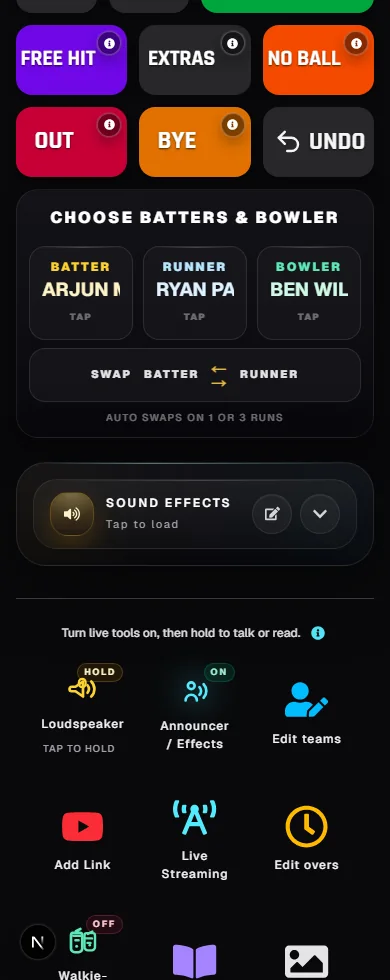
Make quick match calls and announcements from the scoring flow.
Works well for tournaments, school matches, and venue screens.
Keep announcements clean and match focused.
Fast setup
Create a match, score live, and share the scoreboard or overlay link with players, viewers, and stream tools.
Create matchStart from the live match control screen.
Make a score call or ground update.
Return to live scoring without switching workflows.
Pair manual announcements with automatic score reads.
Loudspeaker features
Proof, not promises
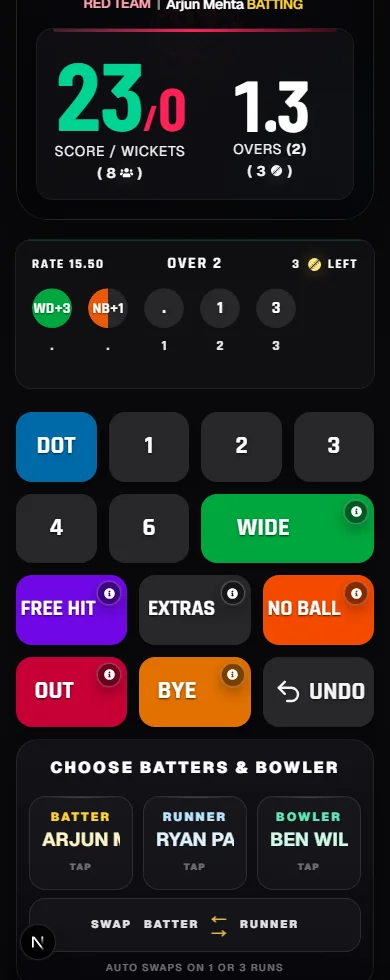
The scorer can update runs, wickets, extras, and match state from a phone-first umpire screen.
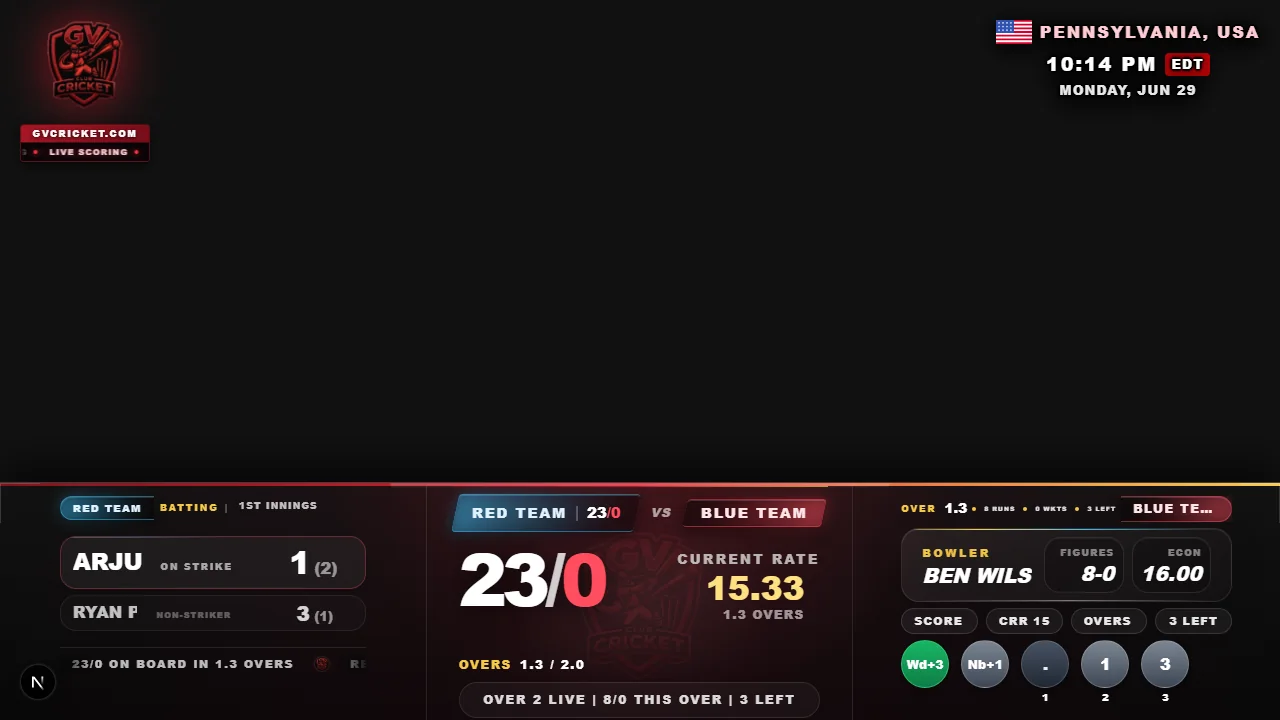
Live scores can be shown on stream layouts for browser-source broadcast workflows.
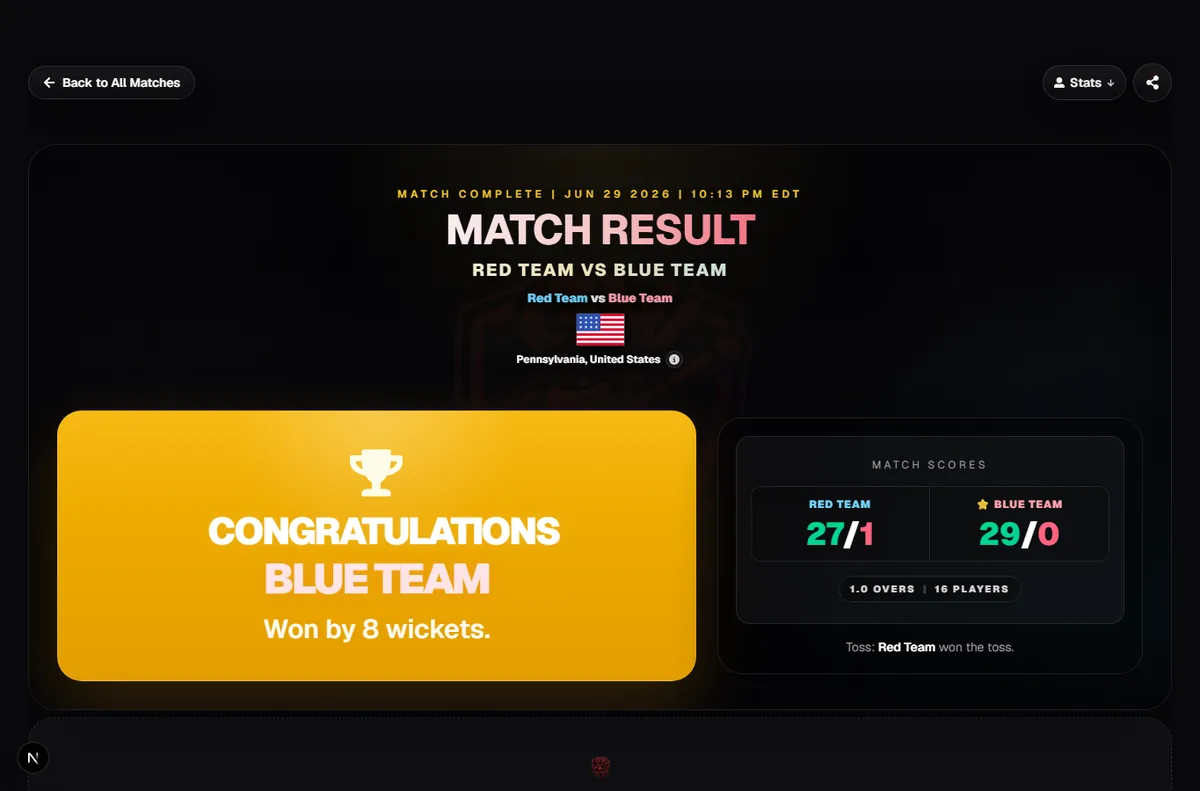
Finished matches and live score links can be shared without app installs or ad-heavy screens.
Yes. GV Cricket includes loudspeaker-style tools for match and score announcements.
Yes. It is useful for venue screens, speakers, and local match coordination.
No. It is designed to sit inside the live match flow.