Phone-first scoring
Use a clean umpire screen for runs, wickets, overs, extras, and player changes.
Cricket score sheet app
GV Cricket gives scorers a phone-friendly cricket score sheet for balls, overs, wickets, extras, batters, bowlers, public score links, and results.
Umpire View
Umpire View
TEAM BLUE batting
19/1
Score / Wickets
(3)
0.5
Overs (6)
(31)
1
2
3
4
.
.
5
Read score
Sound FX
Walkie
Use a clean umpire screen for runs, wickets, overs, extras, and player changes.
Share live score links, match pages, scorecards, and completed result pages.
Use public screenshots and overlay screens for live streaming and scoreboard workflows.
Fast setup
Create a match, score live, and share the scoreboard or overlay link with players, viewers, and stream tools.
Create matchAdd teams, overs, match type, players, toss details, and scoring settings.
Use the scoring UI, including the Extras button, to keep the scoreboard accurate.
Open public score links, stream overlays, or match pages for viewers and teams.
Finish the match with a public result page and screenshots that can be discovered.
Score Sheet App features
Proof, not promises
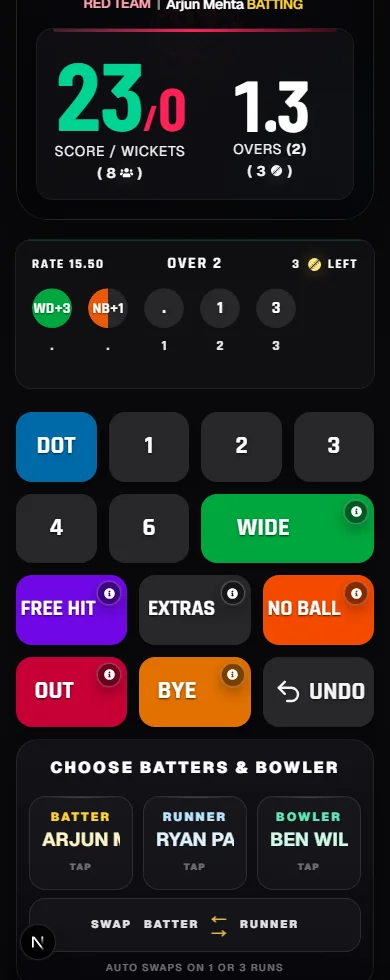
Score runs, wickets, extras, no-balls, free hits, byes, and match state from the public scoring screen.

Use public match screens for score sharing, match summaries, and result-page promotion after play.
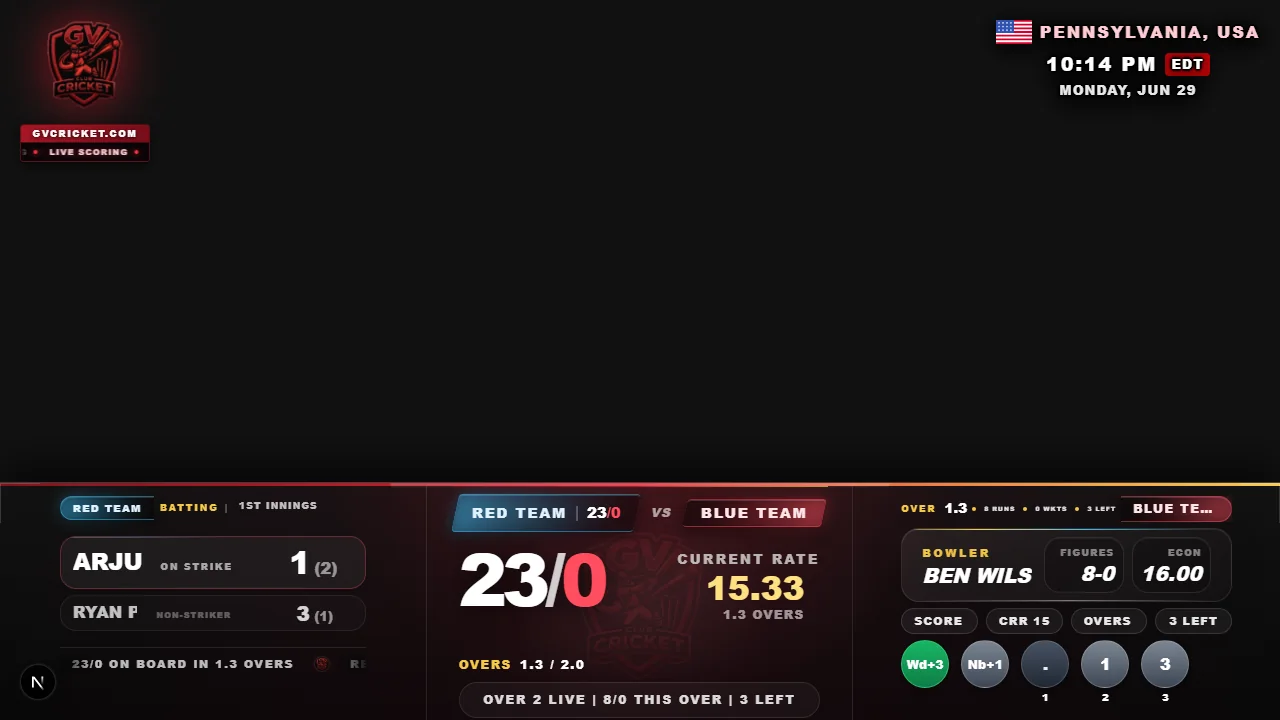
Show the same match state in a stream-friendly cricket scoreboard layout.
Score Sheet App workflow
Score Sheet App is designed for local cricket scorers, teams, clubs, schools, leagues, and tournament organizers. Create the teams and overs before play, keep the score current from a phone, and give spectators a clear link to follow without installing another app.
Use GV Cricket to score live matches, share public score links, publish result pages, and support livestream scoreboard screens. The same match record carries the score from toss and first ball through the chase, final result, and post-match sharing.
Match record
The scorer records runs, wickets, legal balls, wides, no-balls, byes, leg byes, dismissals, innings changes, targets, and the final result in one workflow. Full Scorecard can also preserve player names and scorecard detail.
Spectators see the same match state through the public scoreboard, while organizers can return to the completed result instead of rebuilding the score from messages or paper notes.
Screenshots and demos
The scoring screen includes the Extras button for penalty runs, dead ball, short run, no-ball extras, run-out extras, and free-hit extras.
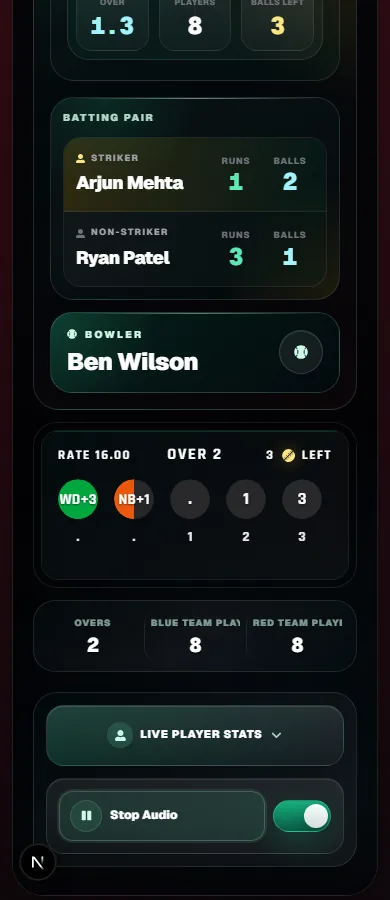
Use Full Scorecard with named players so spectator and result pages can show batting, bowling, scorecard context, and player rating details.
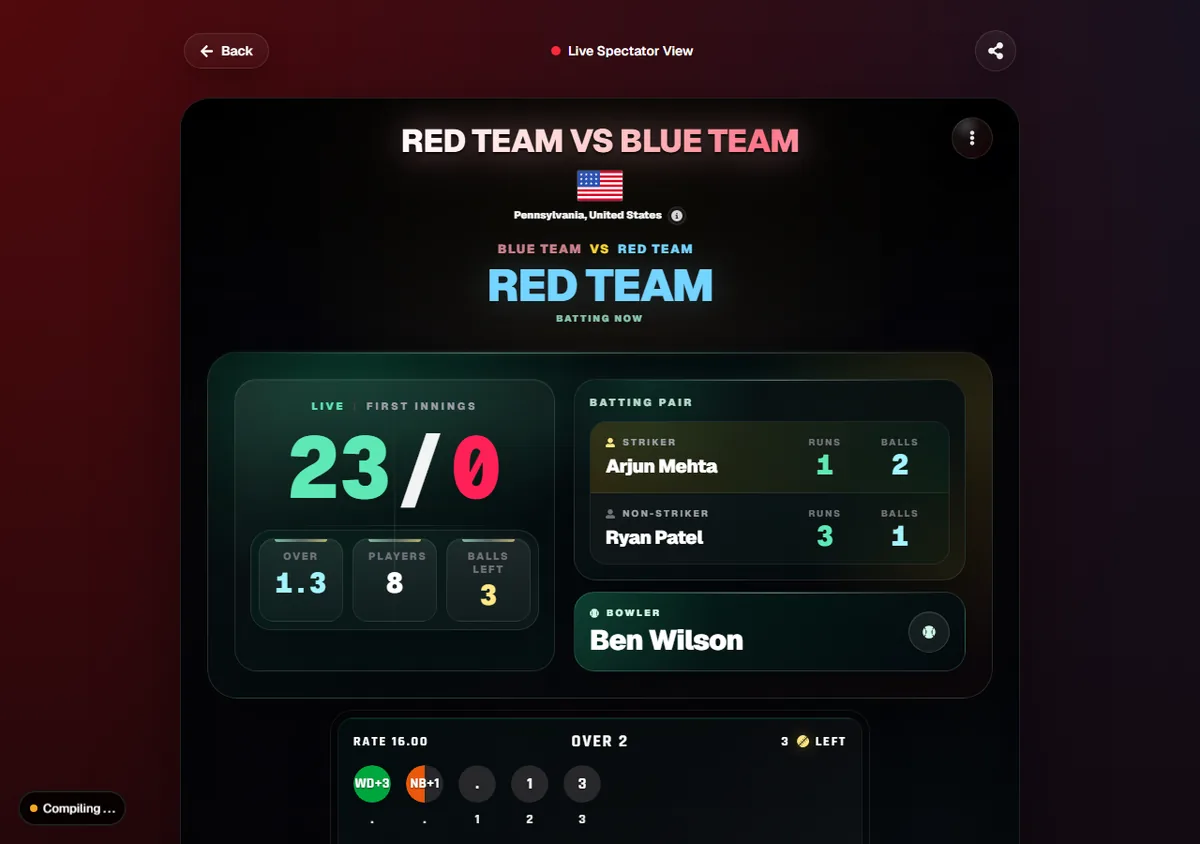
Share a public scoreboard page that works on desktop and mobile while the scorer updates the match.
Show the match score in a browser-source overlay for live streaming and venue display workflows.
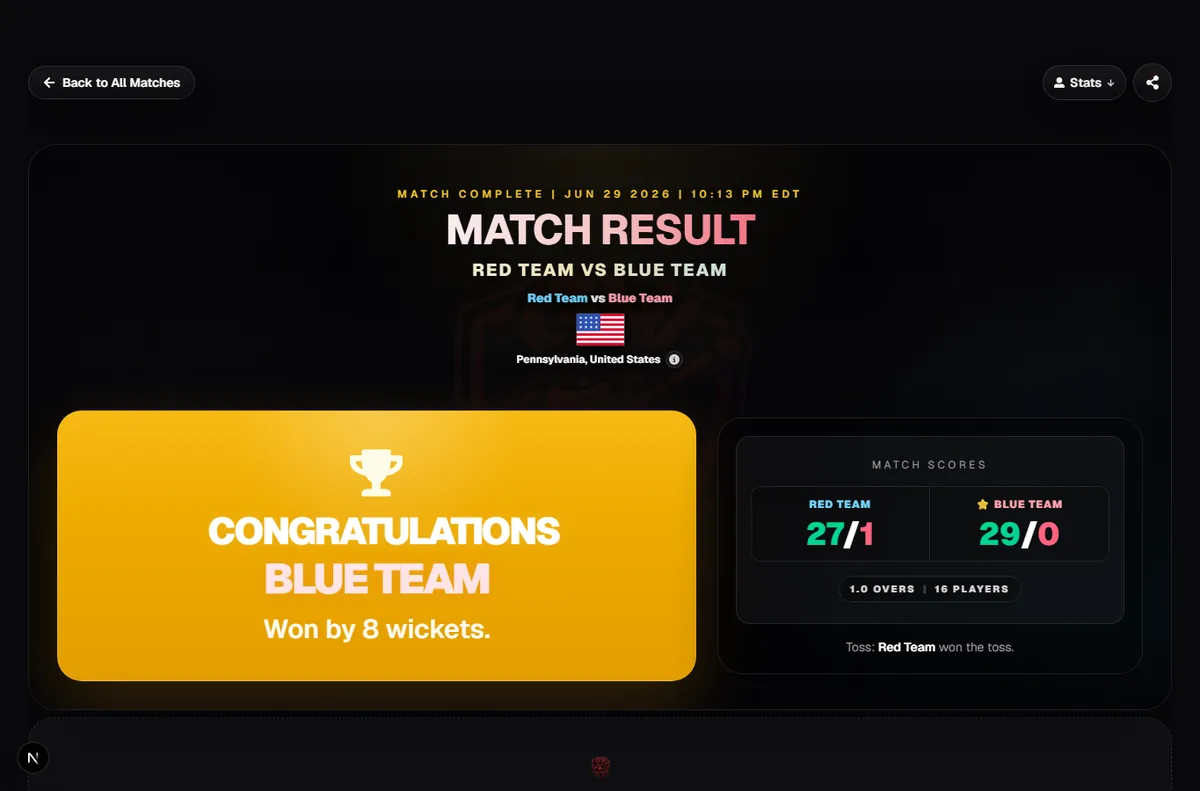
Public result screens show winner, final scores, innings summary, charts, awards, and share cards after the match.
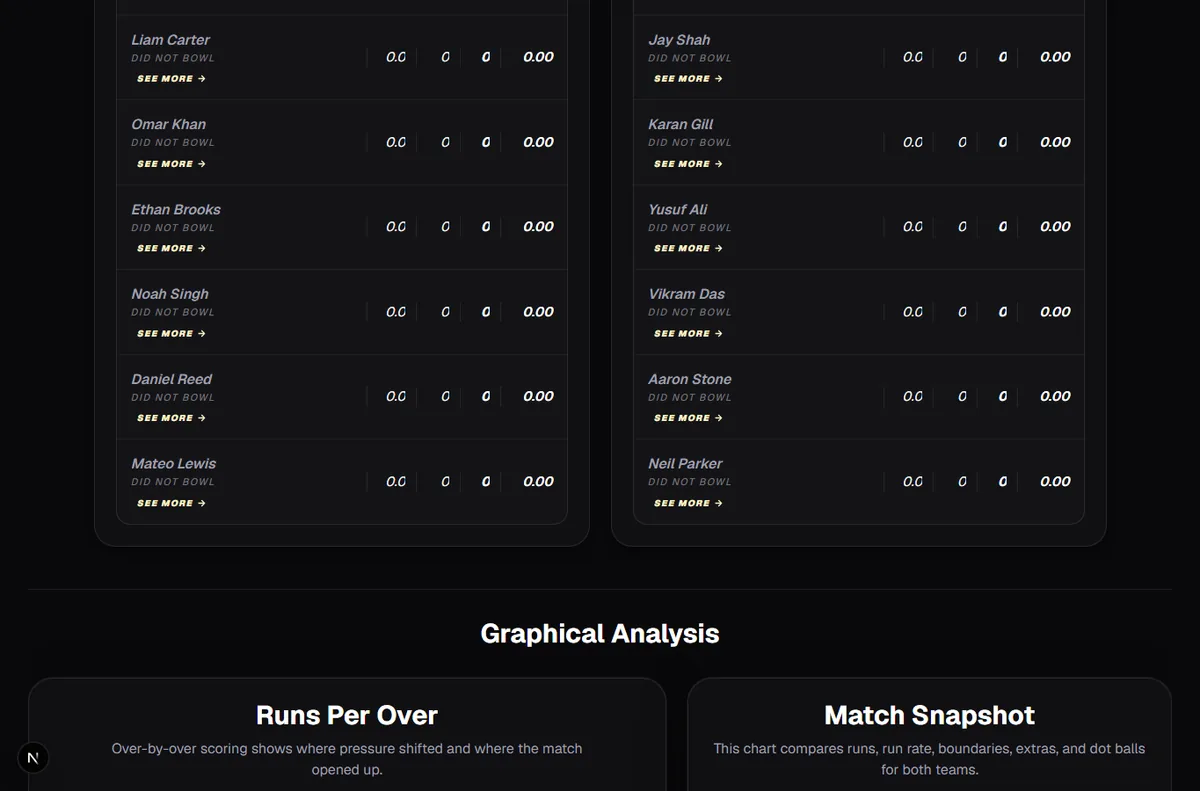
Completed matches can show batting rows, bowling context, strike rate, economy, player ratings, and performance sections.
Yes. GV Cricket can support score sheet app workflows with live scoring, public score links, result pages, and stream-ready scoreboard screens.
Yes. The scoring UI includes an Extras button for penalty runs, dead ball, short run, no-ball extras, run-out extras, free-hit extras, and other match situations.
No. Spectators can open the shared live score or completed result in a modern browser.