Browser source ready
Copy the overlay link and paste it into OBS as a browser source.
Live cricket scoreboard overlay
GV Cricket creates a free live cricket overlay for stream tools. Score from the umpire phone, then show score, wickets, overs, batters, bowler, chase info, and match moments on your broadcast.
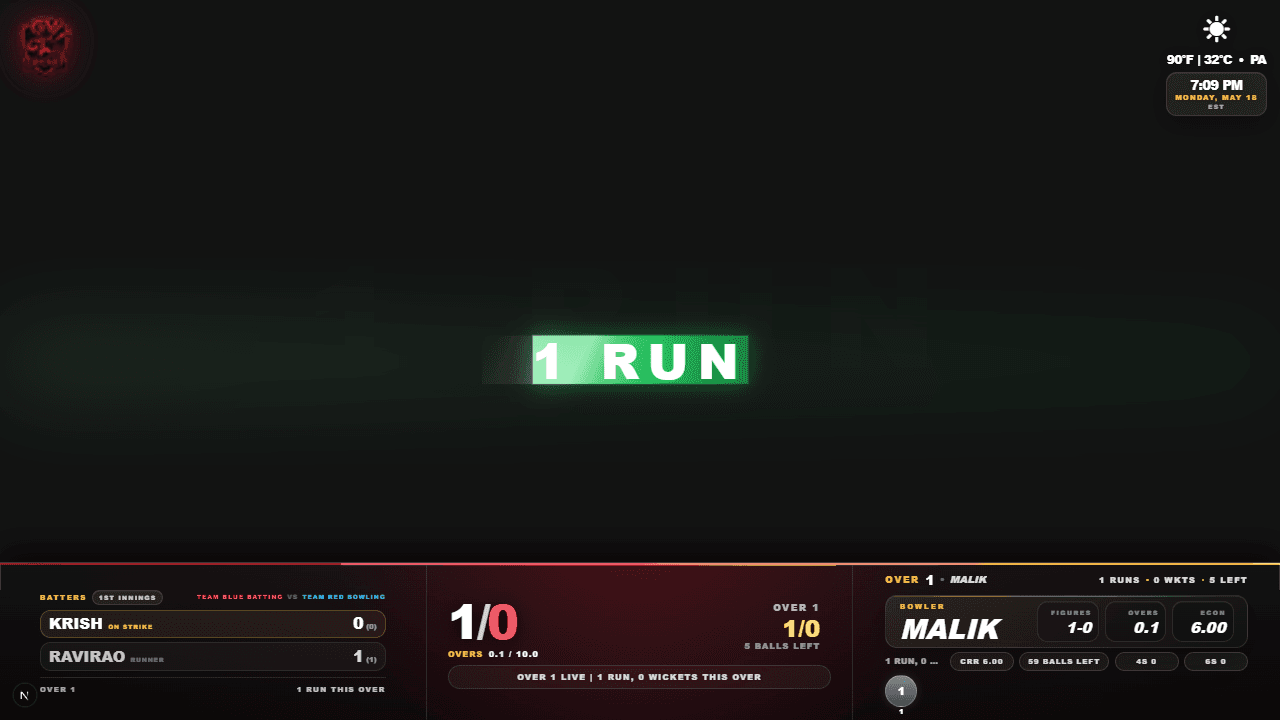
Copy the overlay link and paste it into OBS as a browser source.
Show score, wickets, overs, batters, bowler, boundaries, wickets, and result scenes.
Keep the scorer screen clean while the overlay powers your live stream.
Fast setup
Create a match, score live, and share the scoreboard or overlay link with players, viewers, and stream tools.
Create matchChoose Simple for team scoring or Full Scorecard for named player details. Single Batter Mode removes the runner when needed.
Open the live streaming overlay card from the match and copy the URL.
In OBS, add a Browser Source and paste the cricket scoreboard overlay URL.
Every umpire scoring tap updates the overlay during the stream.
Confirm the overlay loads, fits the canvas, and updates from test scoring actions.
Overlay features
Proof, not promises
Show score, wickets, overs, batters, bowler, and current over while the match is active.
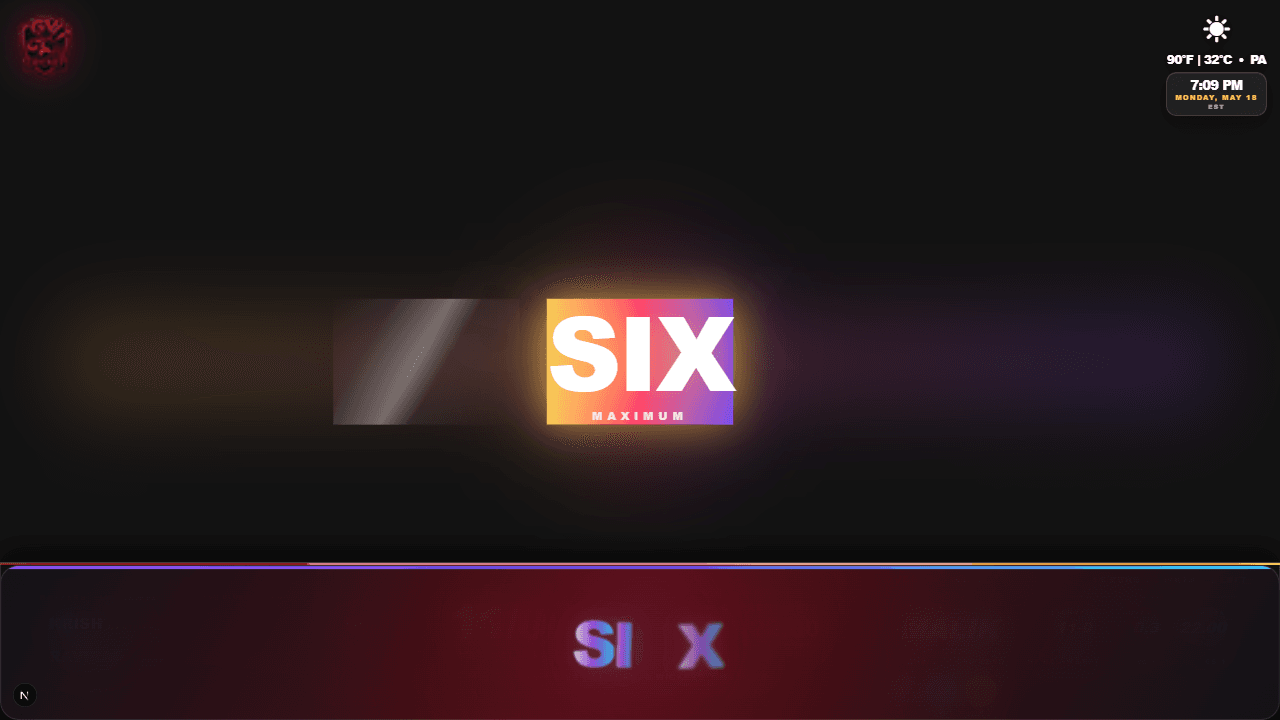
Use big match moments like fours and sixes without disconnecting from the live score.
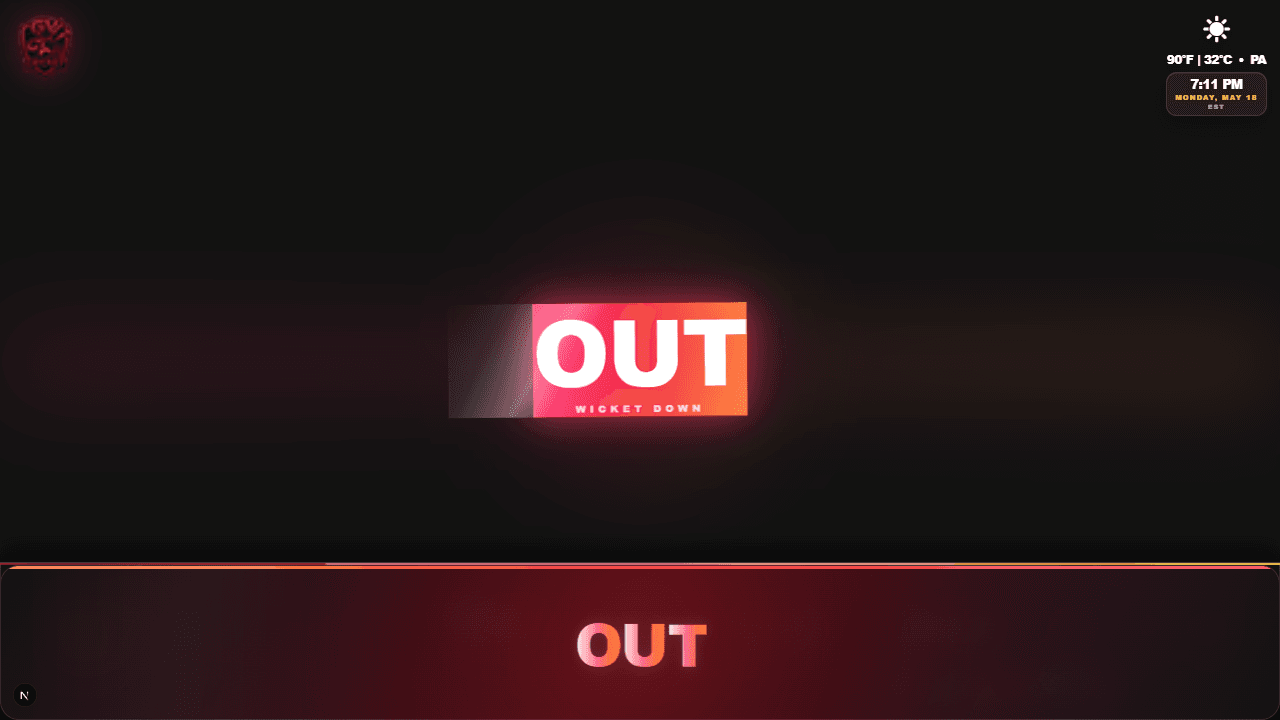
Keep viewers informed when wickets fall with score, bowler, over, and batter context.
OBS setup
GV Cricket is designed for the normal OBS browser source workflow. Create and score the match in GV Cricket, copy the scoreboard overlay link, then add a Browser Source in OBS. Paste the overlay URL, set the width and height to match your canvas, and place it above the camera layer. For a full HD stream, 1920 by 1080 is the usual starting point.
Before going live, open the overlay in OBS and score a few test actions. Check that runs, wickets, overs, batter names, bowler names, and current over data update as expected. If the overlay is too large for your layout, crop or scale the browser source in OBS instead of changing the scoring workflow.
This setup keeps match operation simple. The umpire or scorer updates the score from a phone, and OBS receives the live scoreboard as a web layer. The streamer does not need to type the score manually after every ball.
Stream workflow
A cricket stream is easier to follow when the score is always visible. GV Cricket can show the core score, wickets, overs, innings state, target, chase context, and result scenes. Full Scorecard overlays can also include batter, runner, bowler, player details, and current over progress. In Single Batter Mode, the runner is omitted.
The overlay is useful for YouTube Live, OBS Studio, PRISM Live, Streamlabs, mobile streaming apps, and venue screens because all of those workflows can display a browser or web source. You score the match once, then the live stream follows that match state.
For local cricket, this matters more than complex broadcast graphics. Viewers want to know who is batting, how many runs are needed, how many overs are left, and what just happened. GV Cricket keeps that information tied to the scorer actions.
Match day checks
Create the match early enough to test the overlay. Confirm the team names, toss, match type, player mode, and player names when using Full Scorecard. Open the overlay link in the same network conditions you expect to use during the stream, then check the browser source in OBS.
Score a test single, boundary, wicket, wide, no-ball, and over transition. Watch the overlay after each action. If you are using sound effects, score announcements, or a director console, test those controls before the match starts so the scorer can focus during play.
After testing, reset or create the real match before going live. During the match, keep the scoring phone active and avoid running separate manual score graphics. The less duplicated work the operator has to do, the more reliable the stream scoreboard becomes.
Screenshots and demos
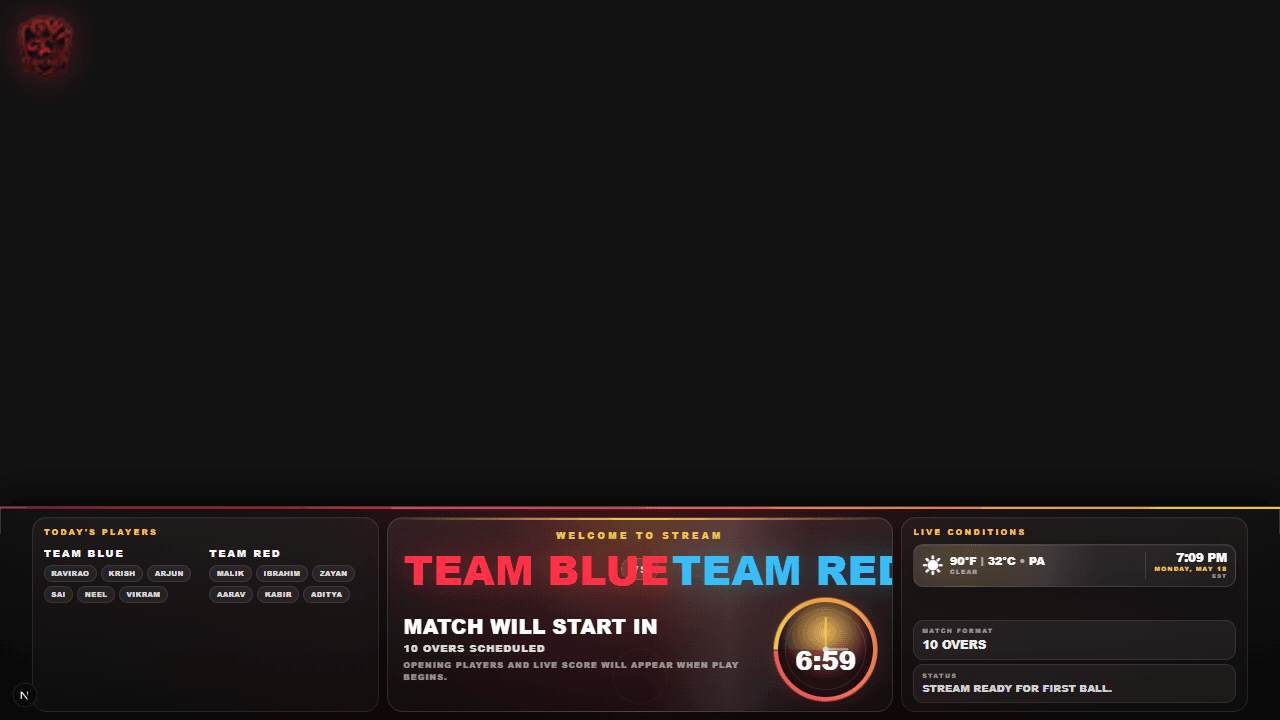
Show teams and match context while the stream waits for scoring to begin.

Open the dedicated watch page to see live scoring update the cricket scoreboard overlay during a demo match.
Watch the overlay demoYes. Create a match, copy the overlay link, and add it to OBS as a browser source to show live cricket score, wickets, overs, batters, bowler, and match moments.
Yes. The same cricket scoreboard overlay can be used in PRISM Live, Streamlabs, YouTube Live workflows, mobile streaming apps, and venue display screens.
Yes. When the umpire scores the match in GV Cricket, the overlay updates automatically for the live stream.
Use a browser source that matches your canvas, usually 1920 by 1080 for a full HD stream. Then crop or position the overlay layer to fit your camera layout.
Yes. Create the match, open the overlay link, confirm it loads in OBS, and score a few test actions before going live.
Yes. GV Cricket provides the live scoreboard layout free as a browser-source link, so there is no template file or scoreboard download to install. Create a match, copy the overlay URL, and add that URL directly to OBS, PRISM Live, or another browser-source tool.